.svg)


.svg)
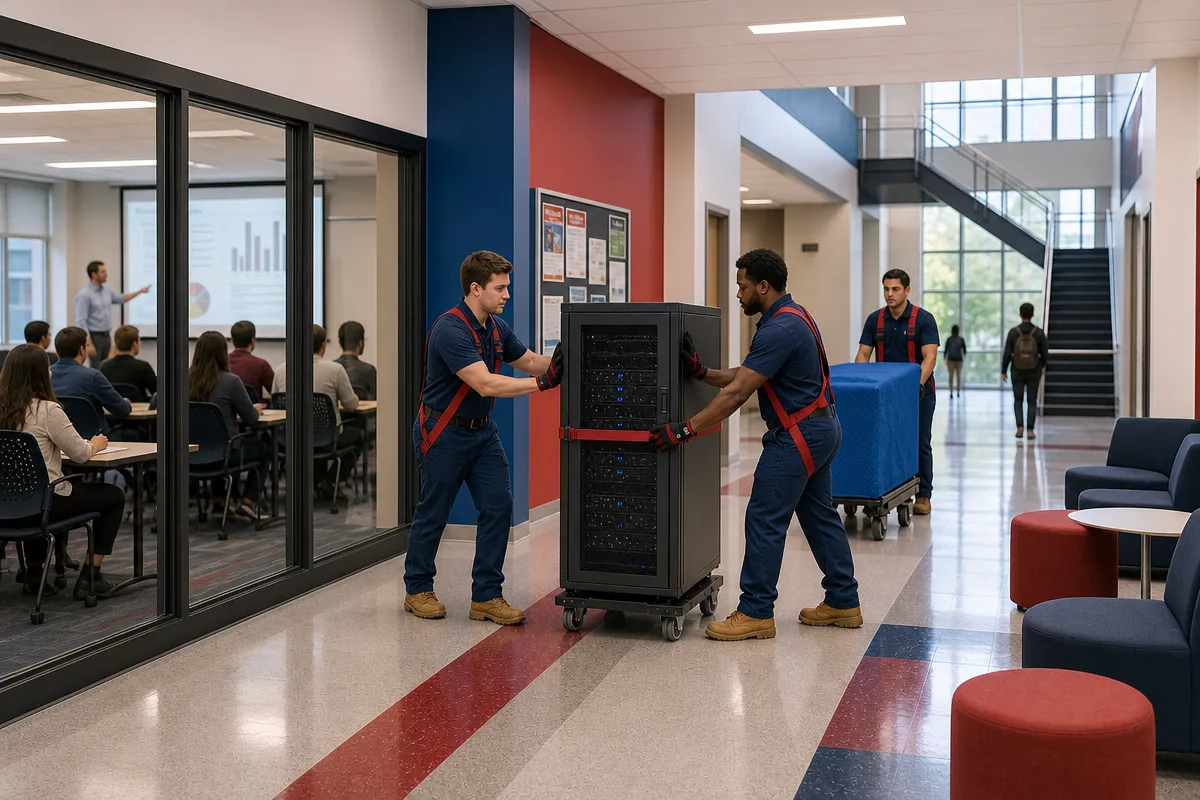
IT relocation services for a campus move require more than packing computers and reconnecting cables. Universities have academic calendars, student-facing platforms, network rooms, residence systems, research infrastructure, access controls, and sensitive equipment that all have to move in the right order.
Campus IT moves should be managed as a coordinated program
A university technology move should not be treated like a standard office relocation. The scope can include administrative offices, classrooms, libraries, residence halls, laboratories, data centers, network rooms, audiovisual systems, student service counters, and research facilities. Each area has its own operational needs and downtime limits.
The first step is to appoint one accountable IT project lead. That person should coordinate with workstream owners for infrastructure, applications, end-user devices, research systems, security, facilities, communications, and the commercial moving provider. Without that structure, teams can work from different assumptions about what is ready to move.
A strong project charter should define the systems included, acceptable downtime, success measures, dependencies, decision rights, escalation contacts, insurance requirements, and rollback criteria. This document helps separate physical move tasks from technical authority.
Clear responsibility prevents avoidable handoff failures
One common issue in IT relocations is a timing gap. Movers may believe equipment is ready for transport while IT still needs to back up data, remove media, document connections, or complete shutdown approvals. A responsibility matrix reduces that risk.
The matrix should clearly distinguish roles for:
Internal IT staff responsible for backups, shutdowns, configuration, cybersecurity, and validation.
Facilities teams responsible for destination readiness, loading access, elevators, power, and building coordination.
Campus police or access-control staff responsible for restricted areas and after-hours entry.
Application owners and research groups responsible for system acceptance and specialized equipment approvals.
Commercial moving crews responsible for packing, loading, transport, staging, placement, and installation support.
RCS can support the physical execution of a campus move through commercial relocation, warehousing, logistics, and installation work, while the university retains authority over system shutdown, configuration, cybersecurity, and production cutover.
Academic calendars should drive every campus technology move schedule
Campus IT moves should be scheduled around more than room availability. Examination periods, registration, admissions deadlines, commencement, residence-hall turnover, payroll, financial-aid processing, and research deadlines can all affect when systems can safely be interrupted.
Approved academic breaks, summer periods, weekends, and overnight maintenance windows are often lower-risk options. However, summer is not automatically open. Housing turnover, orientations, construction, conferences, and grant-funded research can create competing demands during the same period.
Facilities and IT leaders should publish a campus blackout calendar before selecting move dates. This calendar should identify periods when student-facing services, identity systems, learning-management platforms, emergency communications, campus-card systems, residence access, point-of-sale systems, library services, clinical operations, or research instruments cannot be interrupted.
Phased technology relocation reduces risk on distributed campuses
A phased strategy is often preferable for a distributed campus. Infrastructure can move by building, application tier, or business criticality, with each wave tested before the next begins. This approach gives teams a chance to identify problems before they affect additional services.
A single cutover may be appropriate for tightly connected systems, but it requires rehearsals, substantial pre-planning, a long enough maintenance window, and tested rollback procedures. Critical services should use redundancy, temporary connectivity, hosted failover, spare equipment, or dual-operation where feasible.
Each move wave should include a defined maintenance window, start and finish criteria, staffing plan, vendor coverage, communication schedule, and rollback deadline. The team should also hold a go/no-go meeting before moving dependent systems.
Access control and facilities readiness must be confirmed before equipment is disconnected
Before any equipment is unplugged, the destination needs to be ready. Facilities teams should validate electrical capacity, UPS connections, cooling, racks, cable trays, cross-connects, network service, loading docks, freight elevators, staging space, equipment paths, physical security, and after-hours access.
This is especially important for heavy racks, laboratory devices, and large-format audiovisual equipment. Floor loading, door dimensions, elevator reservations, environmental conditions, and construction hazards should all be confirmed before the move date.
Access control should be planned at the person, vehicle, building, room, and asset levels. The move plan should identify authorized movers and IT staff, issue temporary badges or keys, reserve loading zones, coordinate escorts for restricted spaces, and define who can enter server rooms, research areas, records rooms, and controlled laboratories.
Furniture, network, and endpoint work should happen in the right order
Office technology relocation can run into trouble when furniture installation and IT reconnection happen at the same time without sequencing. Workstations, monitor arms, conference-room fixtures, cable pathways, floor boxes, and power must be ready before endpoint devices are reinstalled.
At the same time, network drops, wireless coverage, access-control readers, audiovisual systems, and power circuits need to be tested before a room is considered complete. A practical sequence is facilities readiness, furniture installation, network validation, endpoint or lab-equipment placement, IT connection, application testing, and user acceptance.
Technical access should stay controlled by designated university personnel. Moving crews should receive only the access necessary for their assigned work, while IT staff or approved technology relocation specialists control server rooms, network closets, storage media, and compliance-sensitive equipment.
Inventory, packing, transport, and testing protect campus IT assets
A reliable move starts with a detailed inventory. The baseline record should identify servers, storage arrays, switches, firewalls, access points, workstations, monitors, printers, audiovisual devices, laboratory computers, instrument controllers, racks, UPS units, drives, cable assemblies, and accessories.
Recommended inventory fields include asset tag, serial number, make, model, rack position, size, weight, condition, ownership, warranty status, destination, security classification, and responsible department. Teams should also photograph rack faces, cable paths, patch panels, power connections, workstation layouts, equipment condition, and instrument interfaces before disconnection.
Labels should be durable, readable, and tied to a central move manifest. A practical label can include the asset ID, origin room, destination room or rack, move wave, sequence number, reconnect priority, handling requirement, and owner or service group.
Transport controls should match the value and sensitivity of the equipment
Servers, storage, network hardware, and other electronics should be backed up, shut down correctly, cleaned, labeled, and packed in antistatic and shock-protective materials. Original packaging should be used when available. Otherwise, cases, foam-lined containers, rack transport systems, or custom crates should be selected based on equipment weight, fragility, and configuration.
Endpoints need a separate handling model. Laptops, desktops, monitors, docking stations, phones, printers, and classroom devices should be grouped by department or room, protected against screen and port damage, and tracked separately from furniture.
Research and compliance-sensitive technology requires owner approval before movement. Instruments may require vendor supervision, calibration checks, gas or liquid disconnection, vibration limits, clean-room procedures, hazardous-material controls, or special environmental conditions.
During transport and staging, asset identity and custody should remain intact. RCS identifies warehousing and logistics as part of its commercial relocation capabilities, which can help when construction, furniture installation, or access restrictions prevent immediate placement.
Testing should move from hardware to users
At the destination, installation should follow the rack plan, floor plan, cabling map, power schedule, and wave sequence. Technicians should verify rack position, rail fit, grounding, power distribution, cable identity, fiber polarity, patching, airflow, and physical security before startup.
Testing should proceed from hardware to infrastructure to applications and users. Checks can include startup, hardware health, storage accessibility, power and cooling alarms, network reachability, VLAN and IP configuration, DNS, VPN, authentication, backup connectivity, application function, redundancy, and failover.
Student-facing systems need explicit user or service-owner acceptance. A general statement that the network is up is not enough for a campus environment where registration, access, learning systems, residence services, and research functions may depend on different components.
If your university is planning a campus IT move, RCS Commercial Moving & Warehousing can support the commercial moving, warehousing, logistics, and installation work that surrounds the technical cutover. To get started, request a quote through our contact page or call us today at (804) 358-4035.