.svg)


.svg)
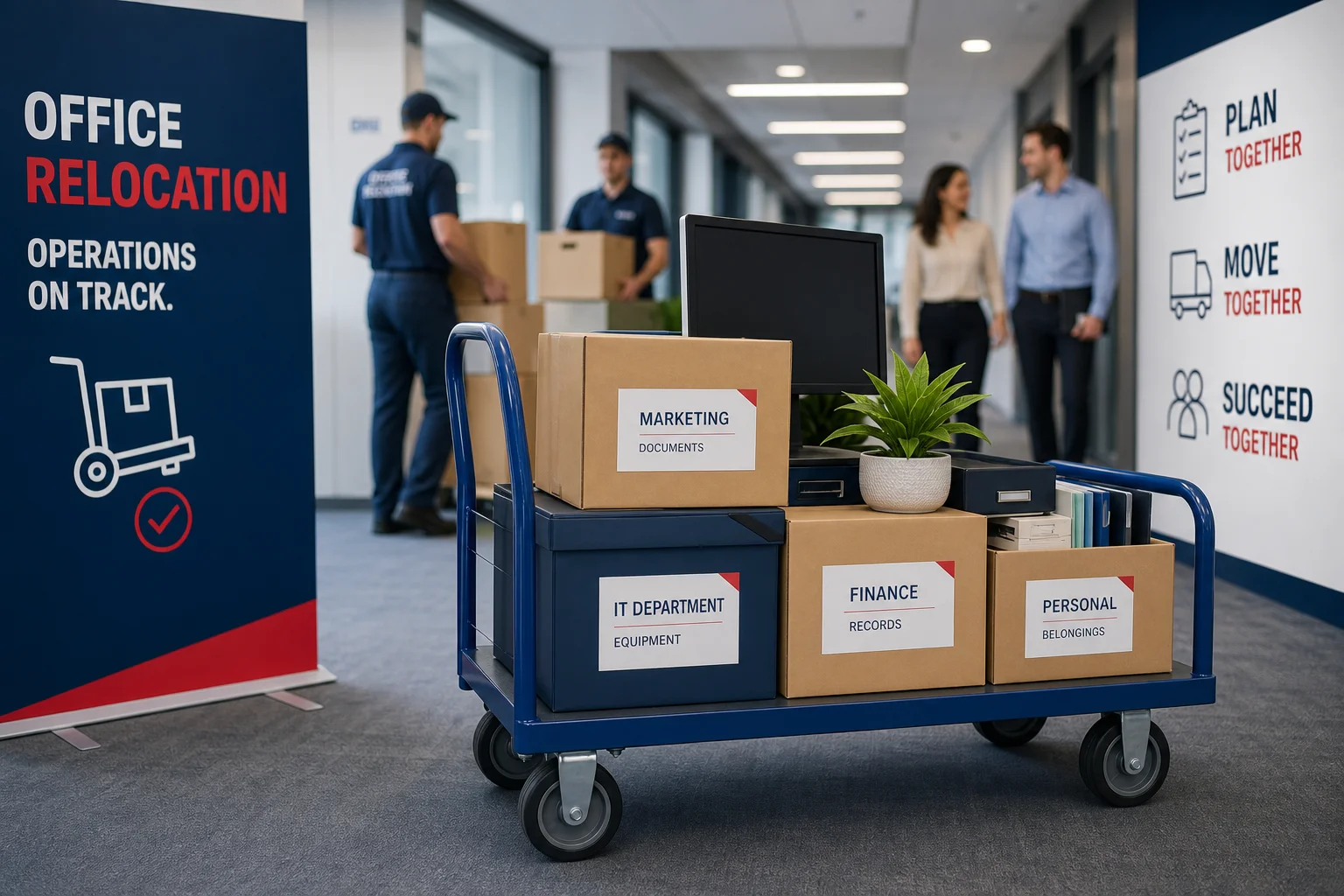
Office relocation is a significant undertaking that can disrupt business operations if not carefully managed. Every hour of downtime can translate into lost revenue, diminished customer trust, and decreased employee morale. At RCS Commercial Moving & Warehousing, we understand the complexities involved and the importance of keeping your business running smoothly throughout the transition. Here’s our comprehensive guide on how to minimize downtime during an office relocation, so your team stays productive and your business maintains its momentum.
Strategic Pre-Move Planning
The foundation of a successful, low-disruption office relocation is meticulous pre-move planning. This isn't just about logistics, it's about treating the move as a high-priority business change, with clear governance and critical-path control. Start planning three to six months ahead, especially for larger offices or complex operations.
Begin with detailed scoping, mapping out all critical functions that must remain online. Early identification of essential processes helps prioritize which departments or systems should move last, which can be supported remotely, or which need temporary setups. Assign a single relocation lead and form a cross-functional move team, including IT, facilities, HR, finance, and key business units.
- Develop a formal project plan with clear milestones
- Create a move timeline that sequences customer-facing functions for minimal interruption
- Inventory assets and contract with vetted vendors early
- Designate backup options and contingency plans for unforeseen issues
Phased and off-hours move strategies are highly effective. Break the relocation into manageable stages and schedule physical moves outside of business hours to ensure operations continue uninterrupted. A detailed, time-bound cutover plan for system shutdowns, transport, reconnection, and testing is crucial for a seamless transition.
Coordinating IT and Technology
IT systems are the backbone of modern business. To minimize downtime, treat IT coordination as a separate workstream within your move. Appoint a dedicated IT project lead responsible for infrastructure, applications, security, and user devices.
Begin with a comprehensive technology audit, inventory hardware, map out application dependencies, assess network requirements, and review security and compliance standards. This process helps identify obsolete equipment that can be retired and informs network planning for the new office space.
- Develop a detailed IT cutover plan aligned with the overall move schedule
- Sequence system shutdowns and startups to maintain critical functionality
- Implement failover or dual-operation strategies, if possible
- Ensure IT staff are present at both locations during the move
Proactive IT planning ensures your team has network access, telephony, and collaboration tools ready at the new site from day one. This careful coordination significantly reduces the risk of extended outages or post-move technical issues.
Effective Employee Communication
Clear, transparent communication with your employees is essential for a smooth relocation and minimal downtime. Relocation can cause uncertainty, so maintaining morale and productivity hinges on early and frequent updates.
Structure your communication plan as a dedicated project workstream, complete with milestones and feedback mechanisms. Use multiple channels, email, meetings, intranet updates, and manager-led discussions, to ensure everyone receives consistent information.
- Announce relocation plans early, framing the move as a positive change
- Enable managers to support their teams through regular check-ins
- Encourage two-way communication, allowing questions and feedback
- Provide detailed, phased timelines for the move
- Recognize team milestones and celebrate progress
By keeping employees informed and involved, you not only reduce resistance to change but also preserve productivity and retain critical talent throughout the relocation process.
Scheduling Moves Around Operations
One of the most effective ways to minimize downtime during an office relocation is to align the move schedule with ongoing business operations. This means using phased moves, off-peak cutovers, and temporary workspaces to keep business running while physical spaces are in transition.
Phased moves can be organized by department, floor, or function. Begin with less critical departments, using pilot moves to test and refine your process before scaling up. Off-peak and weekend moves minimize disruption during high-traffic hours, reducing impact on clients and staff.
- Stagger moves to avoid all functions going offline simultaneously
- Use temporary or swing spaces for critical teams
- Leverage remote work arrangements where feasible
- Fully test the new IT environment before bringing users on-site
This approach decouples the physical relocation from business continuity, ensuring your team stays productive throughout the move.
Leveraging Temporary Storage Solutions
Temporary storage can be a powerful tool for reducing disruption during an office relocation. The right storage solution offers flexibility, security, and scalability, helping you stage furniture, equipment, and documents until they’re needed at the new site.
Options include self-storage units, portable containers, warehouse storage-in-transit, and full-service professional storage. The best choice depends on your asset types, access requirements, and risk tolerance.
- Match storage type to asset value and sensitivity
- Prioritize security features and environmental protection
- Choose flexible contracts with easy access if frequent retrievals are required
- Ensure storage providers offer insurance and compliance for confidential records
By segmenting assets and defining minimum handling standards for each category, you can choose storage solutions that actively help minimize downtime and operational risk during your move.
Optimizing Post-Move Setup
The relocation doesn’t end when the last box arrives. A structured post-move setup phase is essential to restore operational capacity and optimize the new workspace for productivity.
Rapid stabilization should focus on business-critical functions first. Use a "Day 1/Week 1 readiness checklist" to verify that IT, telephony, collaboration tools, access control, and health and safety protocols are fully operational.
- Prioritize unpacking and setup of essential equipment
- Conduct full asset inventory and configuration checks
- Gather feedback from staff on workspace layout and functionality
- Iteratively refine space usage and policies over the first months
Ongoing optimization ensures that the new environment not only restores, but enhances, your team's ability to work efficiently.
Controlling Operational Disruption
Minimizing downtime during an office relocation is fundamentally about managing risk and maintaining tight coordination. Use a formal risk management framework, including an integrated master schedule and risk register, to identify and mitigate potential issues before they happen.
Assess risks across technology, facilities, logistics, security, compliance, customer impact, and employee change management. Convert these assessments into concrete contingency plans, such as backup workspaces or failover IT environments.
- Decide between phased or "big-bang" moves based on risk tolerance
- Plan for off-hours changeovers to protect business-critical operations
- Back up all data, systems, and configurations before the move
- Test security and access controls immediately after setup
A systematic approach to risk and contingency planning is the keystone for a smooth transition with minimal operational impact.
Vendor Coordination and Management
Seamless vendor coordination is vital for minimizing downtime during an office relocation. Centralize vendor management by appointing a single coordinator responsible for aligning third-party contractors and integrating their work with your internal project plan.
Explicitly map out all dependencies between vendors and sequence contracts to avoid delays. Monitor performance against milestones and maintain clear acceptance criteria for each vendor’s deliverables.
- Develop a centralized communication plan for all vendors
- Define scope, expectations, and incident protocols in advance
- Include flexibility and change clauses in vendor contracts
- Conduct end-to-end process testing before signing off on completion
By treating vendor integration as a dedicated workstream, you reduce friction, speed up issue resolution, and ensure that the overall relocation feels like an upgrade rather than a disruption.
Why Local Expertise Matters
Every region has unique logistical challenges and regulatory considerations. For organizations in Richmond, Henrico, Chesterfield, and the surrounding areas, partnering with a local provider like RCS Commercial Moving & Warehousing ensures your relocation benefits from deep area knowledge and established vendor relationships. Our experience navigating the Greater Richmond area streamlines the process, reduces risk, and keeps your business moving forward.
Start Planning Your Low-Downtime Office Move
Minimizing downtime during an office relocation requires a blend of structured planning, specialized expertise, and dedicated resources. By approaching your move as a carefully managed program, you ensure business continuity, maintain employee morale, and protect your bottom line. If your organization is preparing for an office move in Richmond or Central Virginia, RCS Commercial Moving & Warehousing is ready to help you create a customized, disruption-resistant relocation plan.
Contact our team today to discuss your office relocation needs and discover how we can keep your business running smoothly from start to finish.